

You started looking for Wispr Flow alternatives for one of three reasons: the $15/month started to feel absurd for an app that types for you, you read the security docs and realised your audio goes to someone else's servers, or you hit the free plan's 2,000-words-a-week ceiling on a Wednesday afternoon.
All three are fair. Wispr Flow is a genuinely good product — it more or less created this category for normal people, and its accuracy is not the problem. The problem is that it is a per-seat subscription on a tool you will use every working day for years, and that at no tier does it run on your own machine.
That second point matters more than it used to. If you are dictating prompts into Cursor or Claude Code, you are speaking about your codebase, your customers, and occasionally your credentials. Wispr's own documentation is straightforward about the architecture: the backend "must decrypt audio to perform transcription." They offer strong controls on top of that — Privacy Mode, zero data retention, SOC 2 Type II, ISO 27001, HIPAA — but the audio still leaves your laptop.
So here are eight alternatives, ranked the way an indie hacker at $0 to $5K MRR would rank them: what it really costs over three years, whether it can run on-device, and whether it can spell the name of your repo. Prices were checked against vendor pricing pages in August 2026.
If you are still deciding whether the habit itself is useful, start with our analysis of the State of AI Dictation report. Its most useful finding is not which app people chose, but why AI prompts are becoming the main thing they dictate.

Quick comparison
| Tool | Best for | Entry price | Runs on-device | Platforms |
|---|---|---|---|---|
| Voibe | Indie hackers who code | $149 one-time / $59 yr | Yes | Mac, Windows |
| VoiceInk | Cheapest one-time license | $29 one-time | Yes | Mac |
| Superwhisper | Local-model power users | Free / $8.49 mo | Yes | Mac, Windows, iOS |
| Aqua Voice | Cheap unlimited plan | Free / $8 mo | No | Mac, iOS, web |
| Handy | Spending nothing | Free | Yes | Mac, Windows, Linux |
| Willow Voice | Non-code writing | Free / $15 mo | Partial | Mac, Windows, iOS |
| MacWhisper | Transcribing files | Free / ~€59 one-time | Yes | Mac |
| Built-in dictation | Testing the habit | Free | Yes | Mac, Windows |
| Wispr Flow (for reference) | Teams with a budget | Free / $15 mo | No | Mac, Win, iOS, Android |
1. Voibe — best overall for indie hackers who code
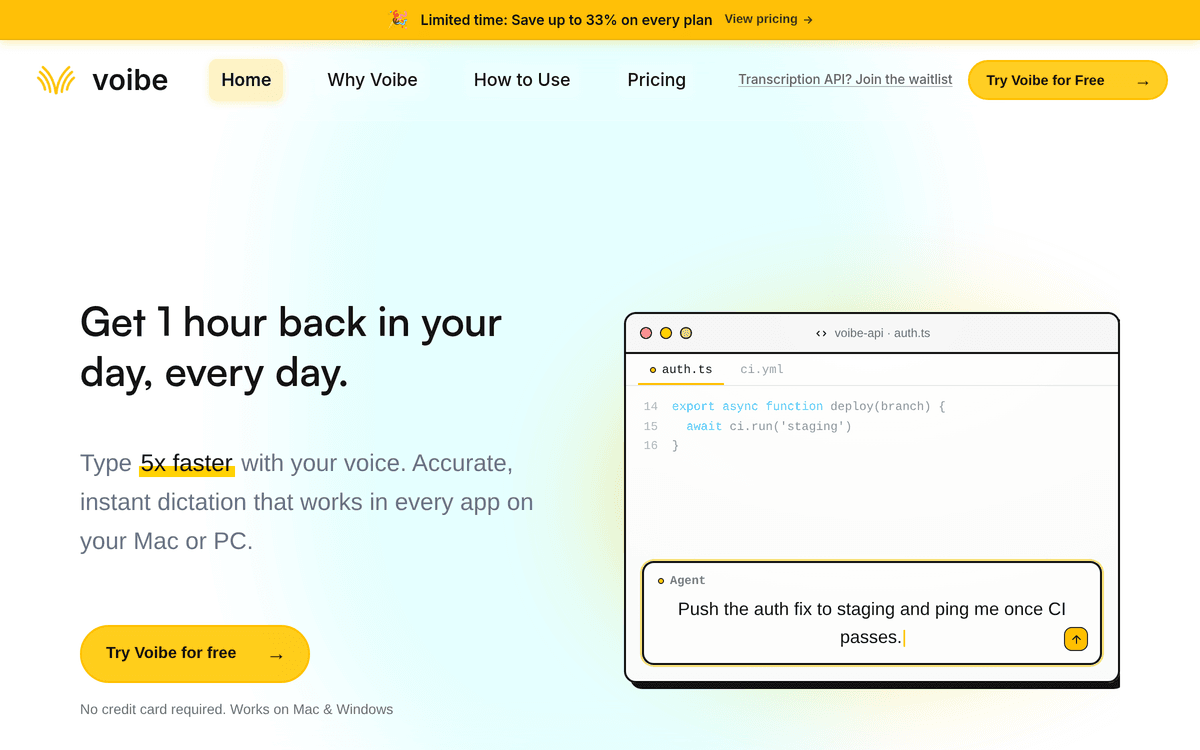
Voibe is the pick because it is the only tool on this list that clears all three bars at once: it can transcribe entirely on your machine, it understands that you are a developer, and you can buy it once and never think about it again.
The privacy story is a choice rather than a compromise. On Apple Silicon Macs, on-device mode runs transcription in RAM on the Neural Engine — nothing is uploaded, and it works on a plane. If you would rather have the speed, cloud mode runs open-source models on Groq and Cerebras with zero retention and no training on your voice. Most tools make you pick a side permanently; this one puts a toggle on it.
The feature that earns the number-one slot, though, is Developer Mode. It scans your workspace locally so it can resolve file names, folder paths and variable names when you dictate into Cursor, VS Code or Windsurf. In practice that is the difference between "open use dash off dot ts" coming out as garbage and coming out as useAuth.ts. If your day is mostly narrating instructions at an AI coding tool, that one behaviour is most of the value.
The rest of the feature set covers the boring essentials properly:
- Two capture modes — push-to-talk for a quick sentence, and hands-free (double-tap) for continuous dictation when you are pacing around thinking out loud.
- Live Dictation on Mac streams words as you speak, so you can edit while you go instead of waiting for a block of text to land.
- Smart Punctuation — say "comma", "open paren", "at" and get the character, which matters a lot when you are dictating anything structured.
- Dictionary for names, jargon and acronyms, so your product name stops being autocorrected into something else.
- Memory — expandable shortcuts for text you retype constantly: signatures, URLs, that one long prompt preamble you paste into every Claude session.
Pricing breakdown
$7.50/month, $59/year, or $149 one-time. Team plans are $6/seat/month or $49/seat/year with a three-seat minimum. There is a 7-day free trial and a 30-day refund guarantee, and every tier includes unlimited dictation — there is no word cap to run into.
Here is the math that matters at your stage. Wispr Flow Pro on the annual plan is $144/year. Voibe's lifetime license is $149. You break even in just over twelve months, and every month after that is free. Over three years it is $149 versus $432.
Pros
- $149 one-time license — the subscription stops permanently
- On-device mode on Apple Silicon: audio never leaves the Mac
- Developer Mode resolves file and folder names in Cursor, VS Code and Windsurf
- Hands-free mode, spoken punctuation, custom dictionary and Memory shortcuts
- Runs on both Mac and Windows, unlike most privacy-first options
- Unlimited dictation on every tier — no weekly word ceiling
Cons
- On-device transcription requires Apple Silicon — on Windows you are using the cloud
- Young product with a small public review base (4.8/5 from 6 Product Hunt reviews)
- $149 upfront is a real ask when you are pre-revenue
- No mobile apps, so phone dictation is not covered
Be honest about that second con. Six reviews is not a track record, and a 4.8 average from six people tells you almost nothing statistically. What it does tell you is what the early users care about — the two themes are speed and the local mode. One reviewer put the appeal plainly:
"I tried Voibe because I wanted privacy focussed Dictation on my Mac. Stayed because it is stupidly fast." — jackson fernandez, Product Hunt
Best for: the solo founder who lives in Cursor or Claude Code, dictates prompts and commit messages all day, and would rather pay once than add another $15/month line item to a stack that is already too expensive.
2. VoiceInk — best cheap one-time license
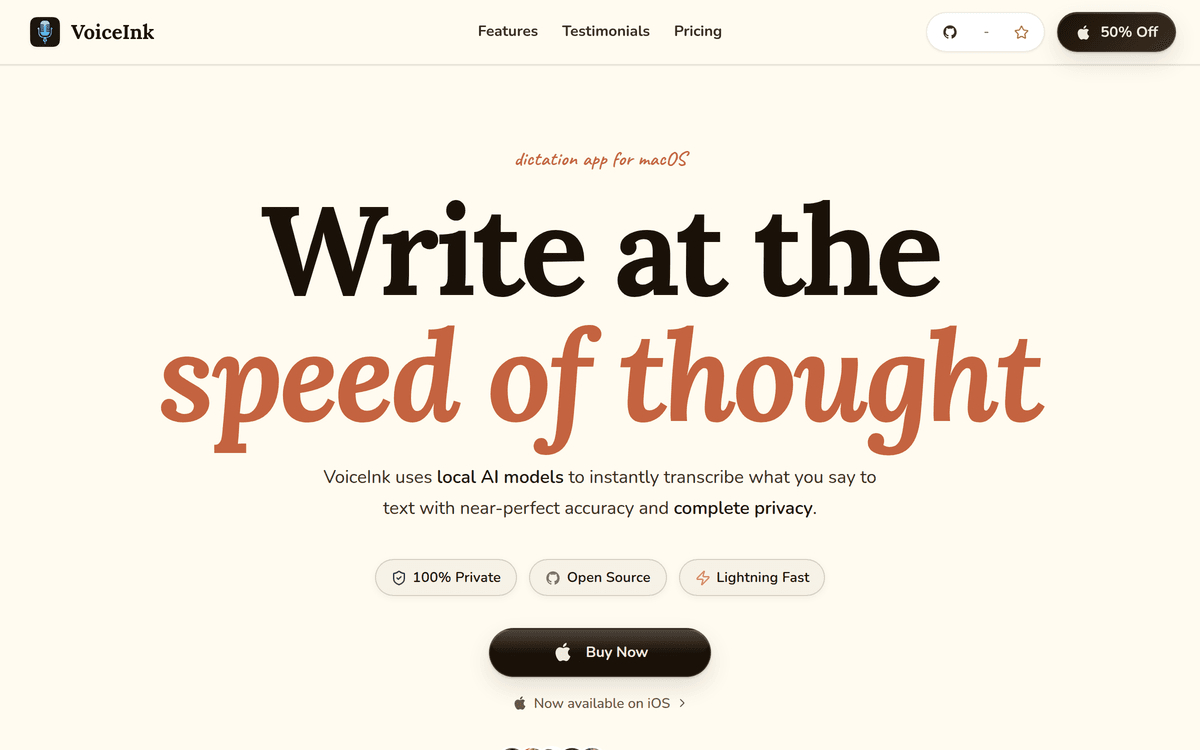
VoiceInk is the answer if the only thing you want is to stop paying rent on dictation. It is local-first transcription for Apple Silicon Macs, it is open source under GPL v3, and the entire source tree is on GitHub for you to audit or compile yourself.
Key features: local AI transcription with optional cloud processing, customisable modes for dictation versus email drafting versus rewriting, global keyboard shortcuts, custom vocabulary and text shortcuts, and it works across every app.
Pricing: Solo $29 (one Mac), Personal $49 (two Macs), Extended $69 (three Macs) — all lifetime, all including future updates, with a 14-day money-back guarantee. And because it is GPL, building it from source in Xcode is free forever. That is not a loophole; it is the licence working as intended.
How it differs from Voibe: no Windows version, no workspace-aware developer mode, and it needs Apple Silicon and macOS 14.4+. You are trading integration depth for a fifth of the price.
Best for: Mac-only founders who want local dictation, are comfortable with a slightly more hands-on tool, and want the cheapest possible exit from a subscription.
3. Superwhisper — best for local-model power users
Superwhisper is the most configurable app here and the one most often recommended when someone on r/macapps asks for a privacy-respecting Wispr Flow replacement. It works offline, supports 100+ languages, and lets you build custom modes with your own prompts — dictate a rough thought, have it come out as a cleaned-up Slack message or a formatted email.
Key features: offline transcription, custom vocabulary, predefined and custom modes, audio and video file transcription, a meeting assistant with auto-notes, Super Mode for screen-aware enhancement, and bring-your-own API keys for GPT, Claude, Llama, Gemini and Mistral so you control the post-processing model and its cost.
Pricing: a real free tier (unlimited small local models, custom prompts, meeting transcription), Pro at $8.49/month or $84.99/year, and a $249.99 lifetime license. There is a 40% student discount and a 30-day refund guarantee.
How it differs from Voibe: more configuration surface and a better free tier, but the lifetime license is $249.99 — $100 more than Voibe — and there is no equivalent of workspace-aware file-name resolution. The flip side is you get iOS, which Voibe does not have.
Best for: founders who enjoy tuning their tools, want BYO-key control over which model rewrites their text, and are happy on the free tier until they are not.
4. Aqua Voice — best cheap unlimited subscription
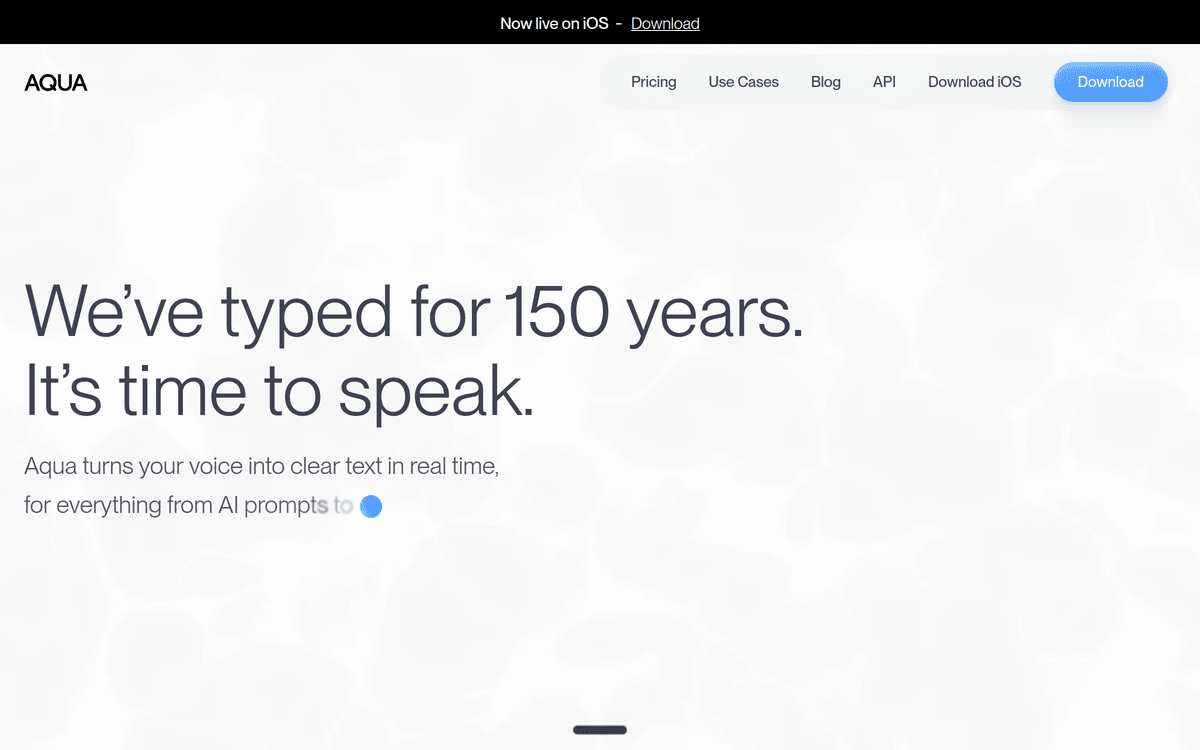
If you have decided you are fine with cloud transcription and you just want to pay less, Aqua Voice is the straightforward swap. It is roughly half the price of Wispr Flow Pro for the same basic job.
Key features: real-time dictation across apps, a custom dictionary (5 entries free, 800+ on Pro), custom writing instructions, and on the Max tier a real-time refinement mode and voice commands.
Pricing: Starter is free with 1,000 words per month. Pro is $8/month for unlimited words. Max is $24/month for the AI-heavy features, and Team is $12/user/month.
The catch: no on-device mode, macOS is ARM64-only, and the free tier's 1,000 words a month is a demo, not a plan — you will burn through it in two long emails. Also note that at $96/year you are still on a subscription treadmill; it is just a cheaper one.
Best for: founders who dictate a lot of prose, do not have a privacy requirement, and want the cheapest unlimited cloud option.
5. Handy — best completely free option
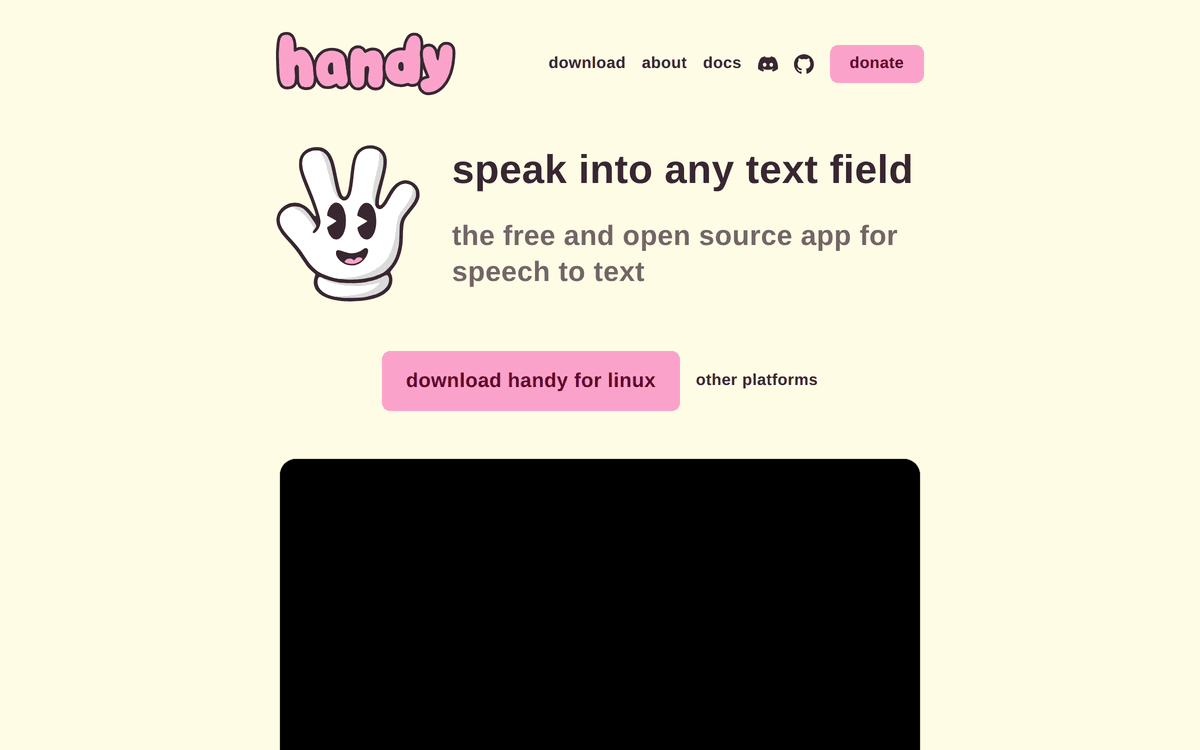
Handy is free, open source, and deliberately small. Press a shortcut, speak, release, and the text lands in whatever field has focus. Transcription runs locally, so nothing goes to a server.
Key features: push-to-talk (default) or toggle mode, customisable key bindings, fully local processing, cross-platform.
Pricing: $0. No account, no tier, no upgrade prompt.
The catch: it is a single-purpose tool. There is no AI-powered cleanup, no custom vocabulary to teach it your product names, no IDE awareness, no modes. You are getting raw local transcription and nothing else — which for a lot of people is exactly the correct amount of software.
Best for: pre-revenue founders, anyone who wants to test the dictation habit with zero financial commitment, and people who instinctively distrust anything with a pricing page.
6. Willow Voice — best for writing that is not code
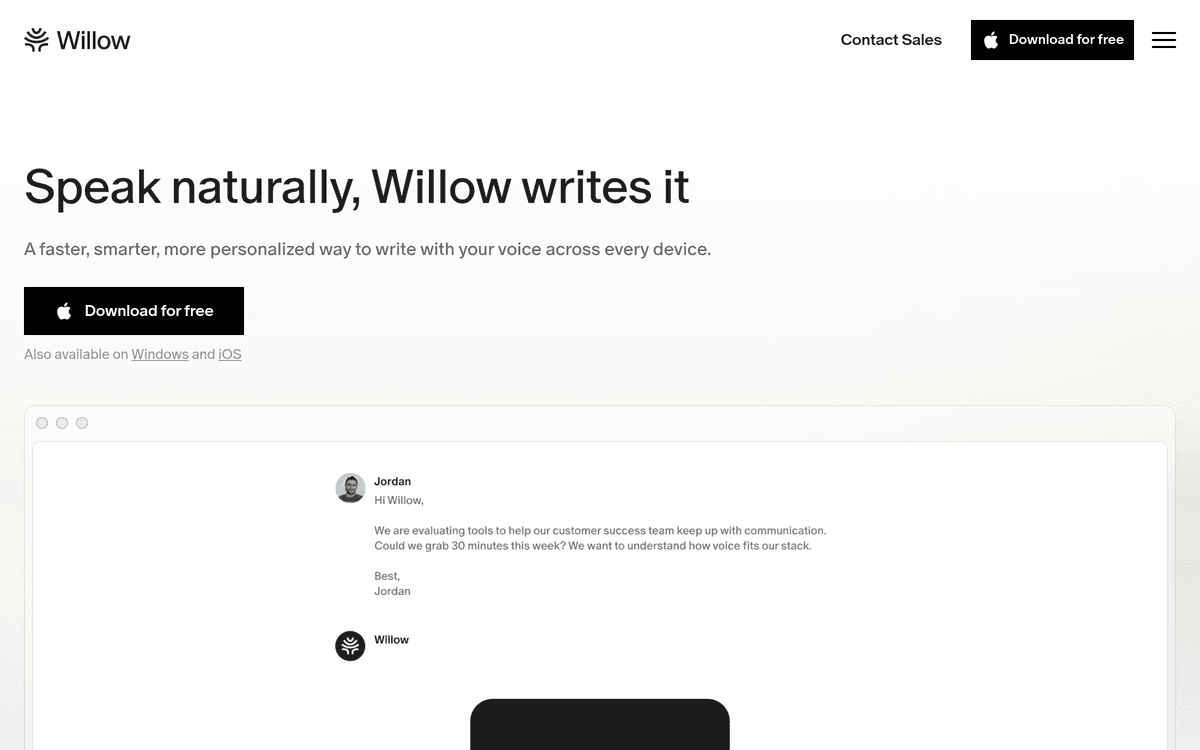
Willow is built for people whose job is words: emails, docs, Slack, support replies. Its differentiator is style matching — it learns how you write and formats output to match, stripping filler words and adding punctuation automatically.
Key features: smart formatting, context-aware style memory, an auto-learning dictionary that picks up names and technical terms on its own, 100+ languages, a whisper mode for noisy environments, and SOC 2 Type II plus HIPAA compliance on the business tier.
Pricing: a free Basic plan (weaker Frontier Mini model, 20 Scribe uses per week), Pro at $15/month or $12/month annually, and Business at $35/month ($28 annually) which is where enforced zero data retention lives.
The catch: Pro is priced identically to Wispr Flow Pro, so switching for cost reasons alone makes no sense. And the strong privacy guarantee — enforced zero retention — sits behind the $35/month Business tier, which is a lot for one person.
Best for: solo founders doing sales, support or content rather than engineering, who care more about output that reads like them than about local processing.
7. MacWhisper — best for transcribing audio and video files
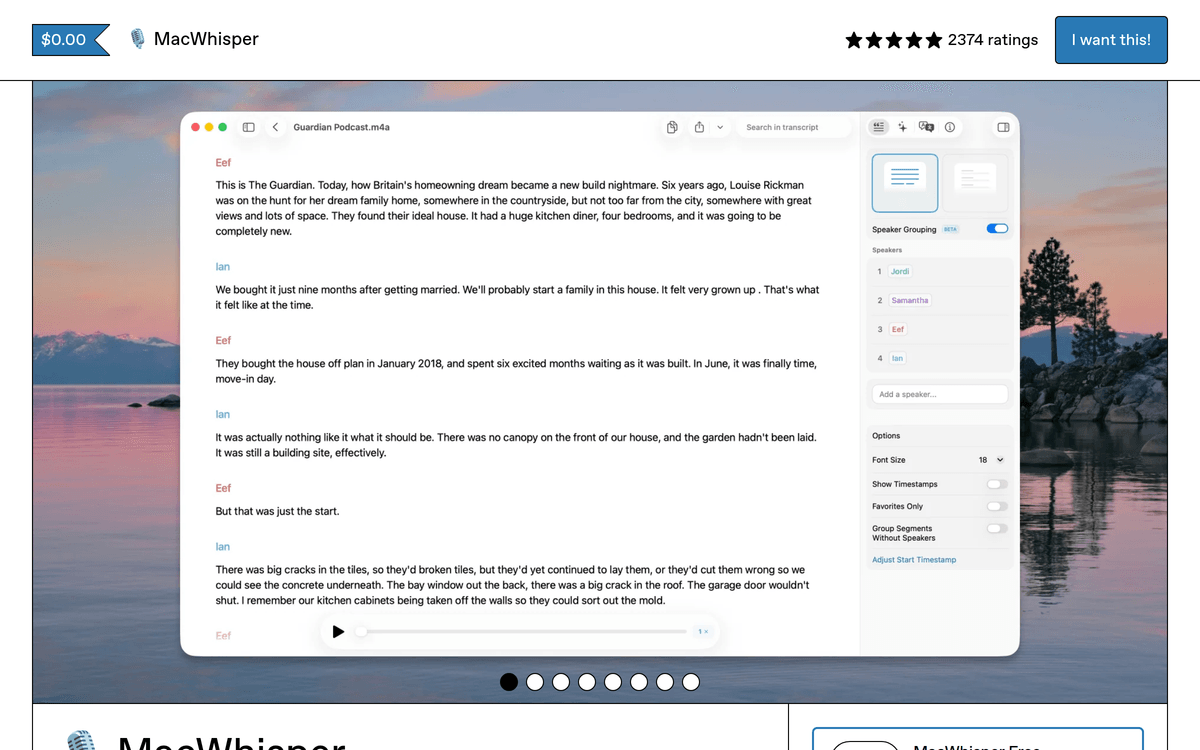
MacWhisper is on this list with an asterisk: it is not really a Wispr Flow competitor. It is a file-transcription app that also does dictation, whereas everything else here is a dictation app first.
That distinction is useful rather than disqualifying. If you record customer interviews, run a podcast, or want searchable transcripts of your calls, MacWhisper is the better tool for that job — batch processing, translation, system-audio meeting recording, and a range of Whisper model sizes.
Pricing: there is a free tier, and a one-time Pro license on Gumroad at around €59 (roughly $65). Confusingly, the same developer also ships Whisper Transcription on the Mac App Store on a subscription ($6.99/month, $29.99/year, or $99.99 lifetime) — check which product you are buying.
Best for: founders who need transcripts of recordings, and who want system-wide dictation as a bonus rather than the main event.
8. Built-in dictation — best $0 baseline
Before you buy anything, spend a week with what you already own. macOS Dictation and Windows Voice Access are free, already installed, and genuinely usable for short-form text.
They are worse than everything above — noticeably less accurate on technical vocabulary, no custom dictionary worth the name, no AI cleanup, clumsy punctuation. But they answer the only question that matters before you spend money: will you actually dictate? A lot of founders buy a $149 license, use it for nine days, and go back to typing. That is a behaviour problem, not a tooling problem, and the free option surfaces it in a week.
Best for: everyone, for one week, before buying anything on this list.
How we chose these tools
This ranking is built for one specific person: a solo founder somewhere between $0 and $5K MRR, who probably writes code, and for whom every recurring subscription competes directly with runway. That lens produced four criteria.
- Real cost over three years, not the monthly number. A $12/month tool is $432 over the horizon you will actually use it. One-time licenses were weighted heavily for that reason.
- Whether it can run on-device. Not because cloud transcription is reckless, but because if you dictate about your codebase and your customers all day, having the option costs you nothing and removes an entire category of worry.
- Whether it handles technical vocabulary. A dictation tool that cannot spell your file names is a dictation tool you will stop using by Thursday.
- Whether there is a genuine free path. Every tool here either has a free tier, a free trial, a refund window, or is free outright. Nothing on this list requires you to gamble blind.
What we did not weight: enterprise compliance certifications, team admin controls, and mobile apps. Those are real features that matter to real companies. They are not why you are reading this.
How to choose the right dictation tool for your stage
The decision is smaller than the number of options suggests. Work through it in this order.
At $0 MRR: use built-in dictation or Handy for two weeks. Spend nothing. If you are still dictating at the end of week two, the habit is real and you have earned the right to spend money on it. Most people stop in week one, and that is genuinely useful information.
At $0 to $1K MRR: buy a one-time license. VoiceInk at $29 if you are Mac-only and price-sensitive; Voibe at $149 if you are dictating into an AI coding tool every day and the file-name resolution will pay for itself in saved corrections. Avoid subscriptions at this stage — not because they're bad value, but because at $400 MRR every recurring charge you add is a decision you have to keep re-justifying.
At $1K to $5K MRR: optimise for the job rather than the price. If most of your dictation is prose, Aqua Voice at $8/month is fine. If it is code-adjacent, stay on a local tool with a good dictionary. If you have started recording customer calls, add MacWhisper.
Two red flags worth naming:
- Word caps priced as free tiers. 1,000 words a month or 2,000 a week sounds generous until you dictate one long PR description. Treat these as trials with extra steps.
- Privacy guarantees priced into a business tier. If zero-retention only exists at $35/month, then at your tier it does not exist. Read which plan the compliance badge belongs to.
And the lifetime-license question everyone asks: yes, the company might disappear. But against a $144/year subscription, a $149 one-time license breaks even in twelve months. You are risking one year of payments to potentially save a decade of them — and the refund windows (30 days at Voibe, 14 at VoiceInk) cap the downside further. That is a good bet at almost any stage.

Frequently Asked Questions
What is the best Wispr Flow alternative?
For indie hackers and solo founders who write code, Voibe. It is the only option that pairs a one-time $149 license with an on-device mode and a Developer Mode that resolves file names, folder paths and variable names inside Cursor, VS Code and Windsurf. If you do not write code, Aqua Voice at $8/month is the better value, and if you only want to stop paying subscriptions, VoiceInk at $29 one-time is the cheapest credible pick.
What is the best free Wispr Flow alternative?
Handy. It is free, open source, runs transcription locally, and works as a straight push-to-talk replacement across your apps. Aqua Voice's free tier (1,000 words per month) and Willow's free Basic plan are also real options if you dictate occasionally, and VoiceInk is free forever if you are willing to build it from source in Xcode. Before any of them, spend a week with your operating system's built-in dictation — it costs nothing and tells you whether the habit sticks.
Does Wispr Flow work offline?
No. Wispr Flow processes audio in the cloud on every tier. Its own security documentation states that the backend must decrypt audio in order to transcribe it. You can turn on Privacy Mode and disable Cloud Sync to get zero server-side retention, which is a meaningful control, but the audio still leaves your machine. If you need transcription that never touches a network, you need an on-device tool such as Voibe, VoiceInk, Superwhisper or Handy.
Why is Wispr Flow so expensive for a solo founder?
It is not expensive by SaaS standards — $15/month, or $12/month billed annually, is normal. It is expensive by indie-hacker standards because it is a per-seat subscription on a tool you use every single day for years. Three years of Wispr Flow Pro on the annual plan is $432. Three years of Voibe's lifetime license is $149, and three years of VoiceInk is $29. At $0 to $5K MRR, that difference is a month of runway.
Is a lifetime dictation license actually safe to buy?
It is a bet on the company still existing. The honest framing: a $149 one-time license pays for itself against a $144/year subscription in about 12 months, so you only need the app to survive one year to break even, and anything after that is profit. The risk is real but bounded — unlike a subscription, where the cost keeps compounding whether or not the product improves. Buying from a company with a refund window (Voibe offers 30 days, VoiceInk 14) limits the downside further.
Can any of these actually help me write code by voice?
Dictation helps with the English around the code — commit messages, PR descriptions, docs, and above all prompts to Cursor or Claude. It is not a good way to type syntax. The tools that matter here are the ones that recognise technical vocabulary: Voibe's Developer Mode scans your workspace locally so it can spell your file and folder names correctly, and every tool on this list except the built-ins has some form of custom dictionary you can load with your stack's jargon. If you want true hands-free code editing rather than dictation, that is a different category — look at Talon Voice.
The bottom line
Wispr Flow is a good app with a pricing model and an architecture that both work against a solo founder. You are paying per seat forever for something that never runs on your own machine.
Our pick is Voibe — $149 once, on-device when you want it, and a Developer Mode that actually understands the codebase you are dictating about. If $149 is too much right now, VoiceInk does the local-and-cheap part for $29, and Handy does it for nothing at all.
Whatever you pick, start with the free week on your operating system's built-in dictation. The tool is not the hard part. Remembering to talk instead of type is.
Further reading: Voibe's updated comparison of a Wispr Flow alternative goes deeper on the product trade-offs: privacy controls, reliability, offline use, AI cleanup, supported platforms, and current pricing.
If you are still weighing up the rest of your stack, our articles hub covers more of the tool and pricing decisions that eat indie-hacker runway.
Sources
- Wispr Flow — Pricing
- Wispr Flow Help Center — Security and compliance FAQ
- Voibe — Pricing
- Voibe reviews on Product Hunt
- VoiceInk — Official site and pricing
- VoiceInk source code on GitHub
- Superwhisper — Official site
- Aqua Voice — Official site and pricing
- Willow Voice — Pricing
- Handy — Free and open source speech to text
- MacWhisper on Gumroad
Keep reading
The State of AI Dictation Report Isn’t Really About Dictation
Voibe analyzed 89,791 dictations. The useful lesson for indie founders is not just that speech is faster — it is that voice makes richer AI prompts cheap.
ArticlesIf Your Product Forgets the Customer, They’ll Forget Your Product
The strongest retention loop is not another notification. It is a product that remembers useful customer context and turns every release into the next better idea.
Founder StoriesHe Got Laid Off. Then a Product Roast Changed Everything.
Rakesh gave away MVP builds, got roasted before launch, rebuilt close to Product Hunt, and made $1.8K+ in 19 days. The real win was the feedback loop behind it.